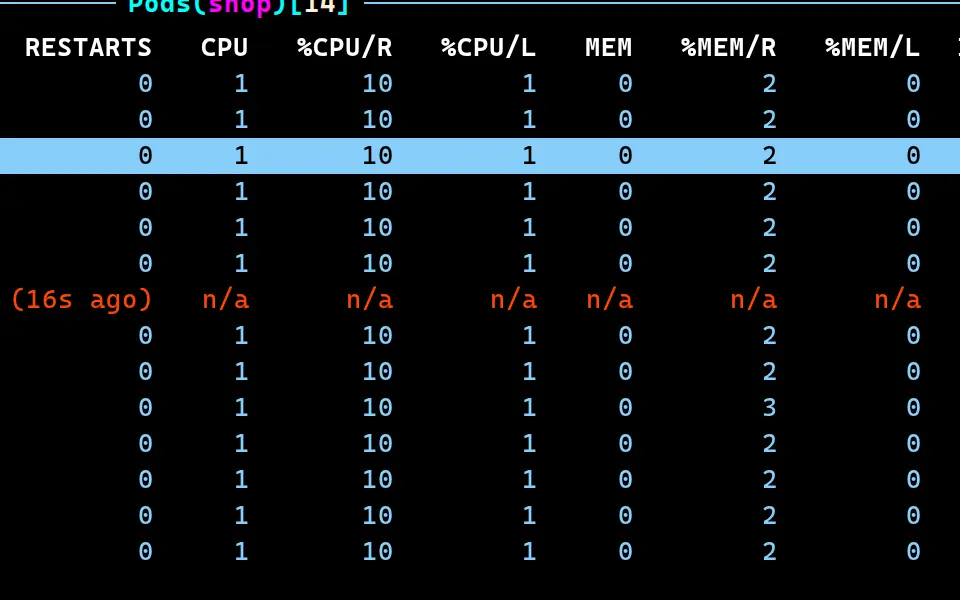
Live usage columns
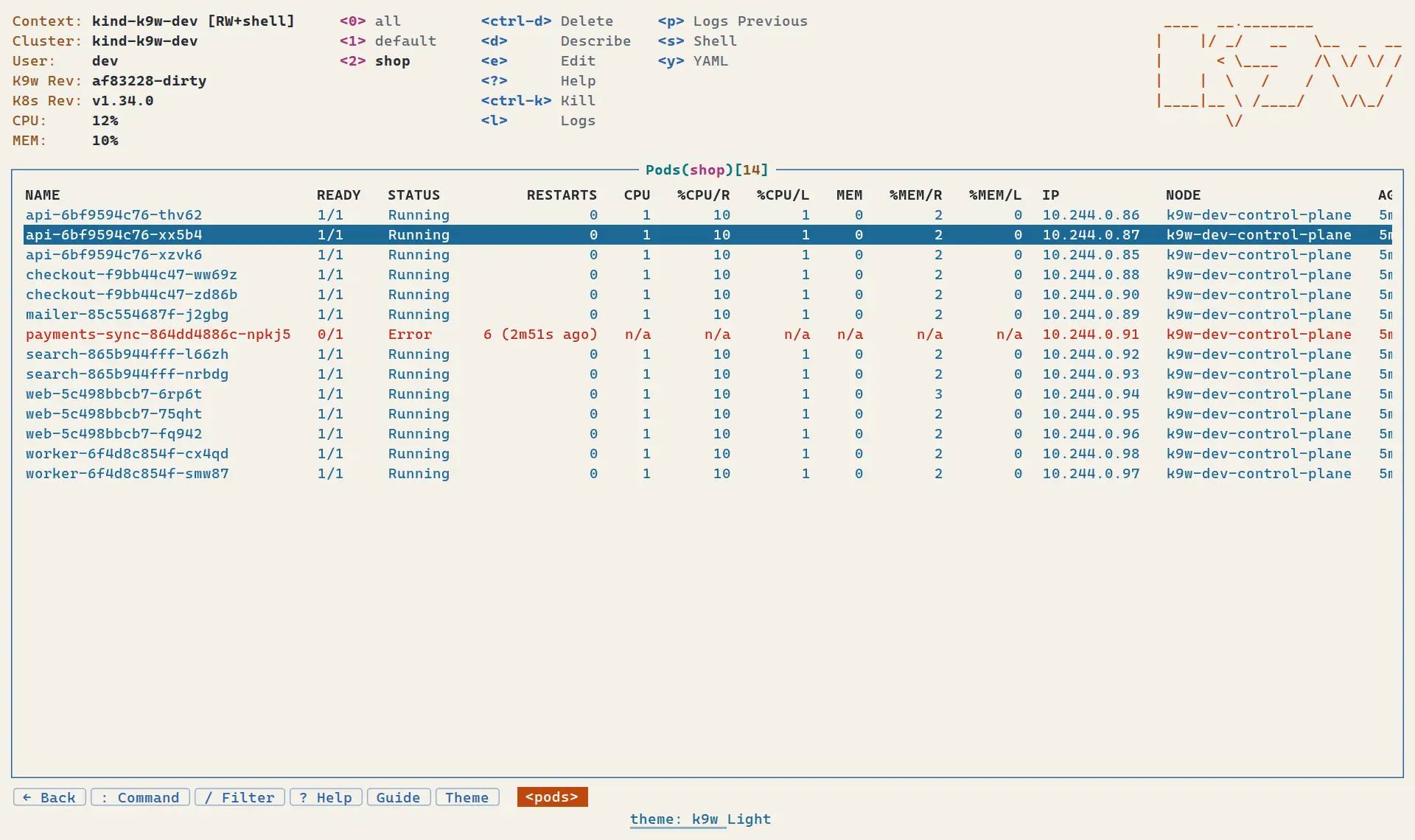
CPU and memory against requests and limits, updated over a watch. Needs metrics-server.
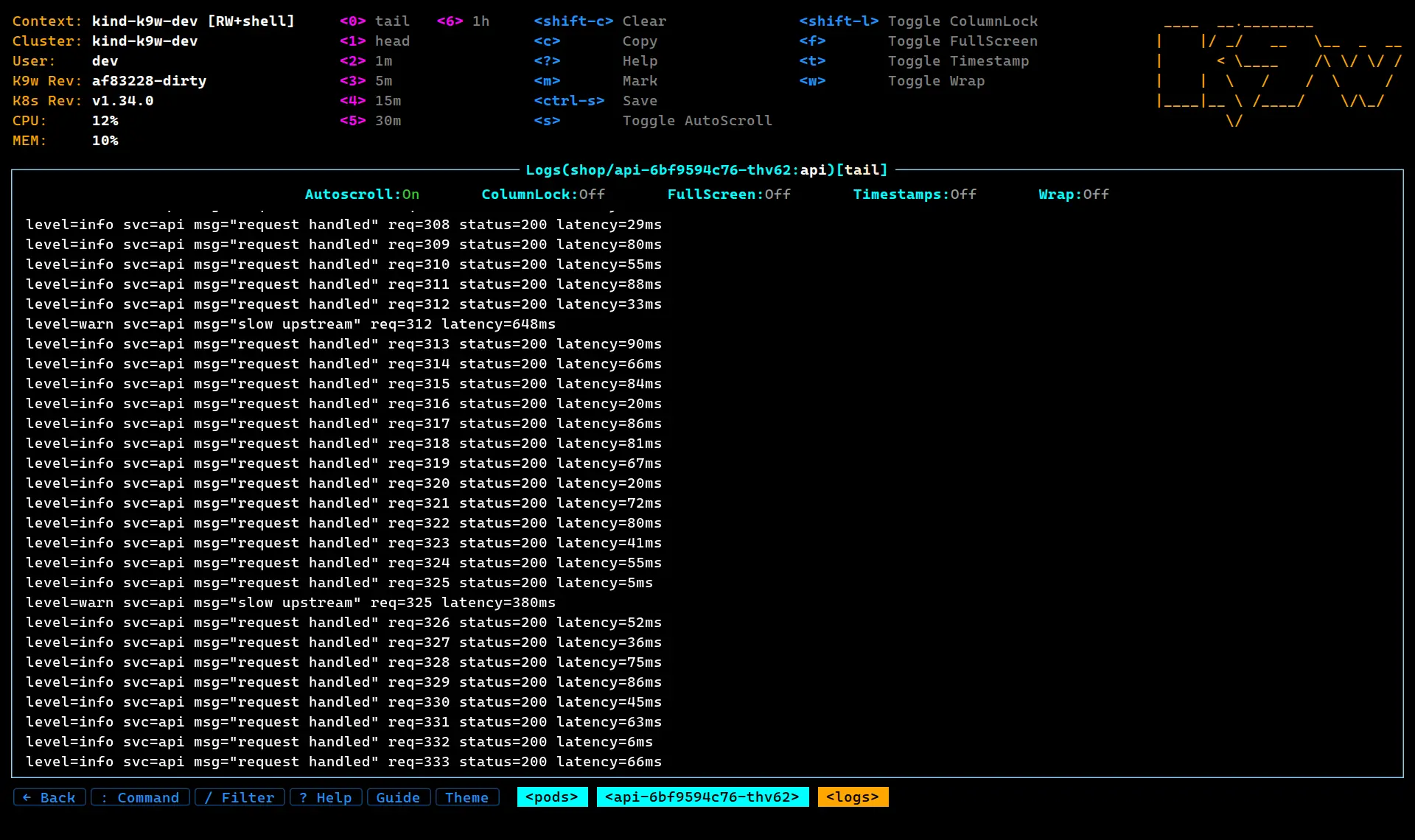
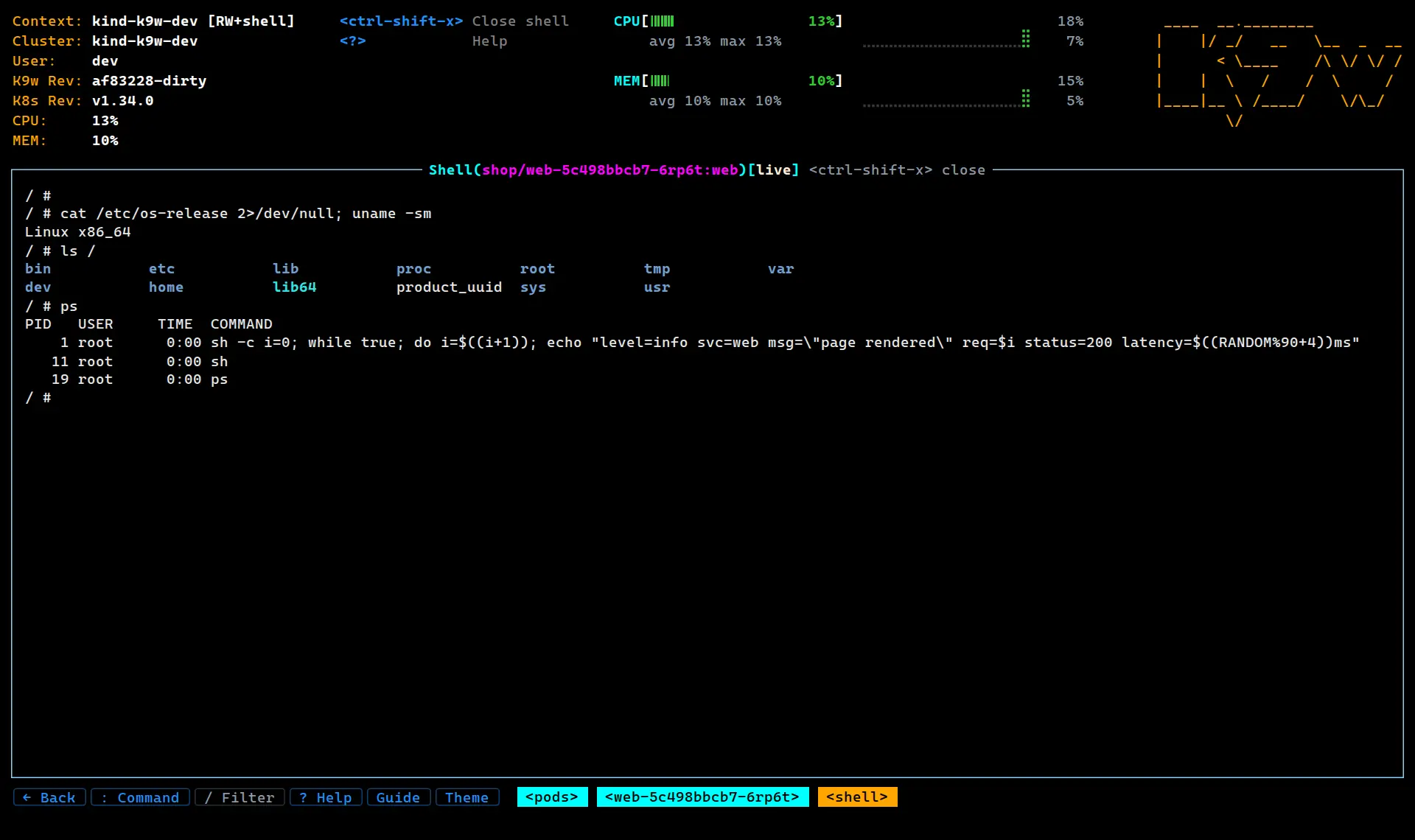
Browse any resource, tail logs, open a shell and edit YAML without leaving the keyboard. One small binary that lives inside your cluster, read-only until you say otherwise.
Apache-2.0 · no database · no CDN · no telemetry
Small enough to forget about
Measured on small test clusters; the 5,000-pod figure uses simulated kwok pods. A login briefly peaks near 85 MB for password hashing.
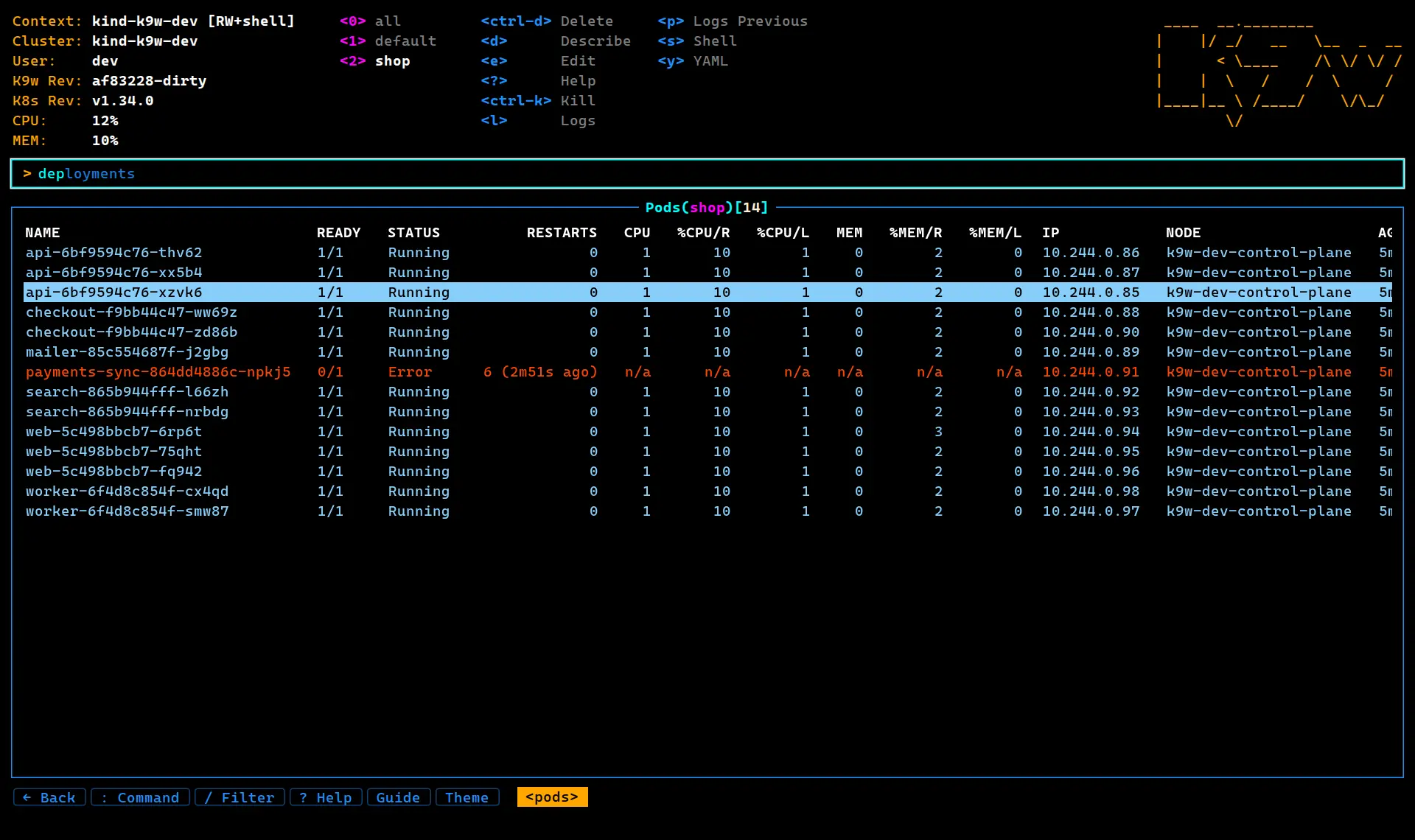
Press : and type a resource name or alias. Completion fills in the rest, and the same bar switches namespace or theme.
:deployEnter
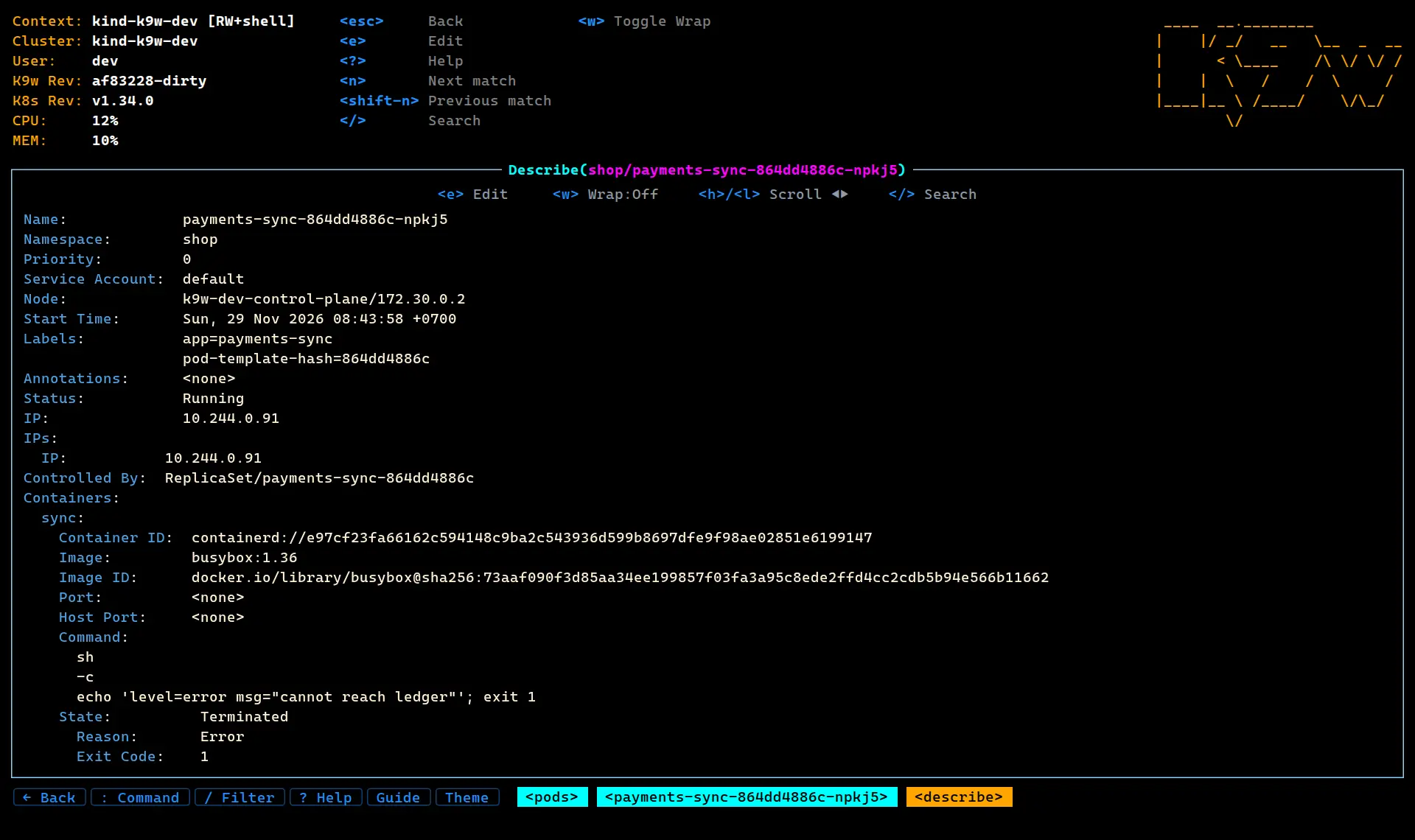
Press d for the object and its events, or y for YAML. Search inside either one. Secret values are masked on the server.
dy/n
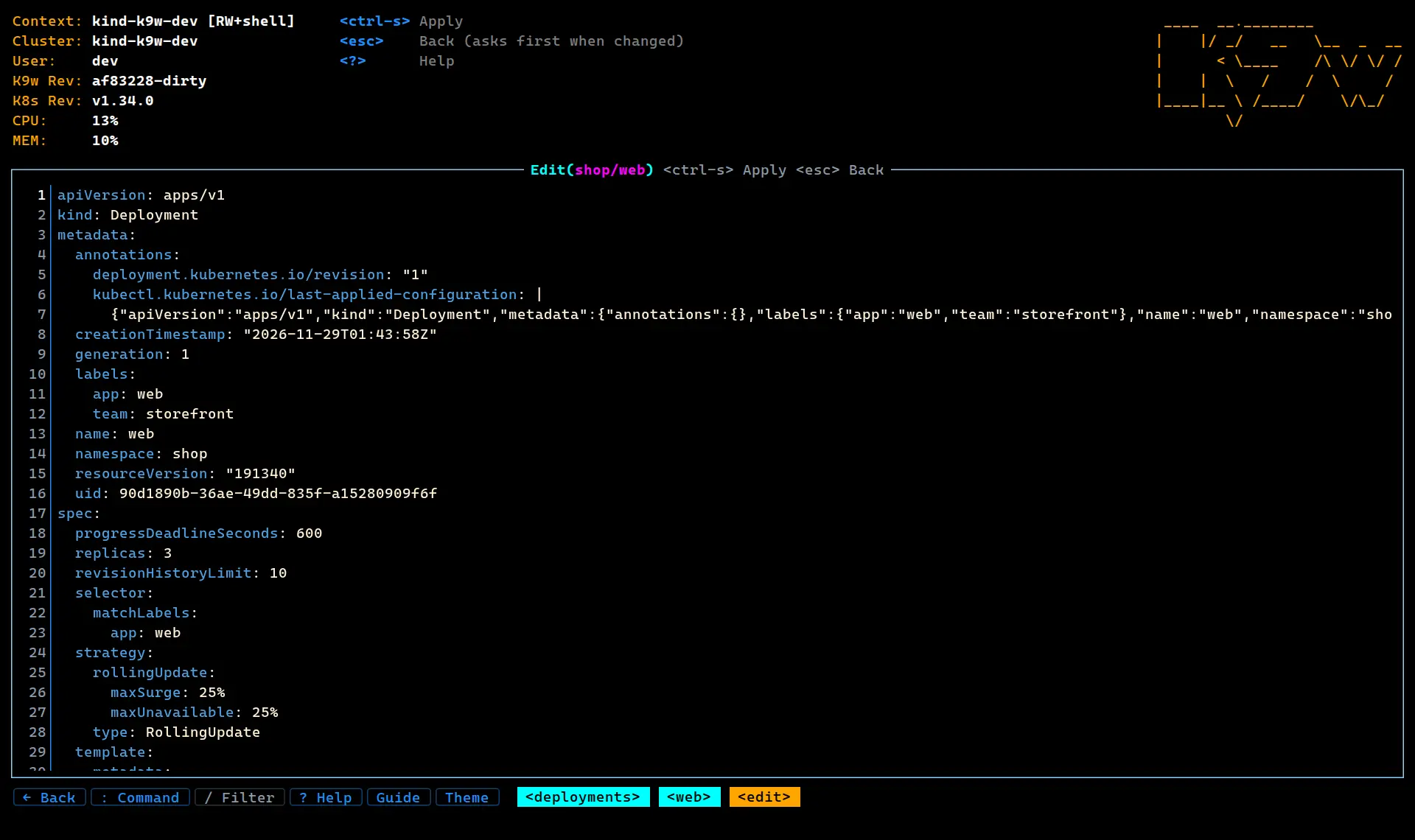
Scale anything with a scale subresource and roll out restarts. Writes stay off until the server is started with --read-only=false.
sr
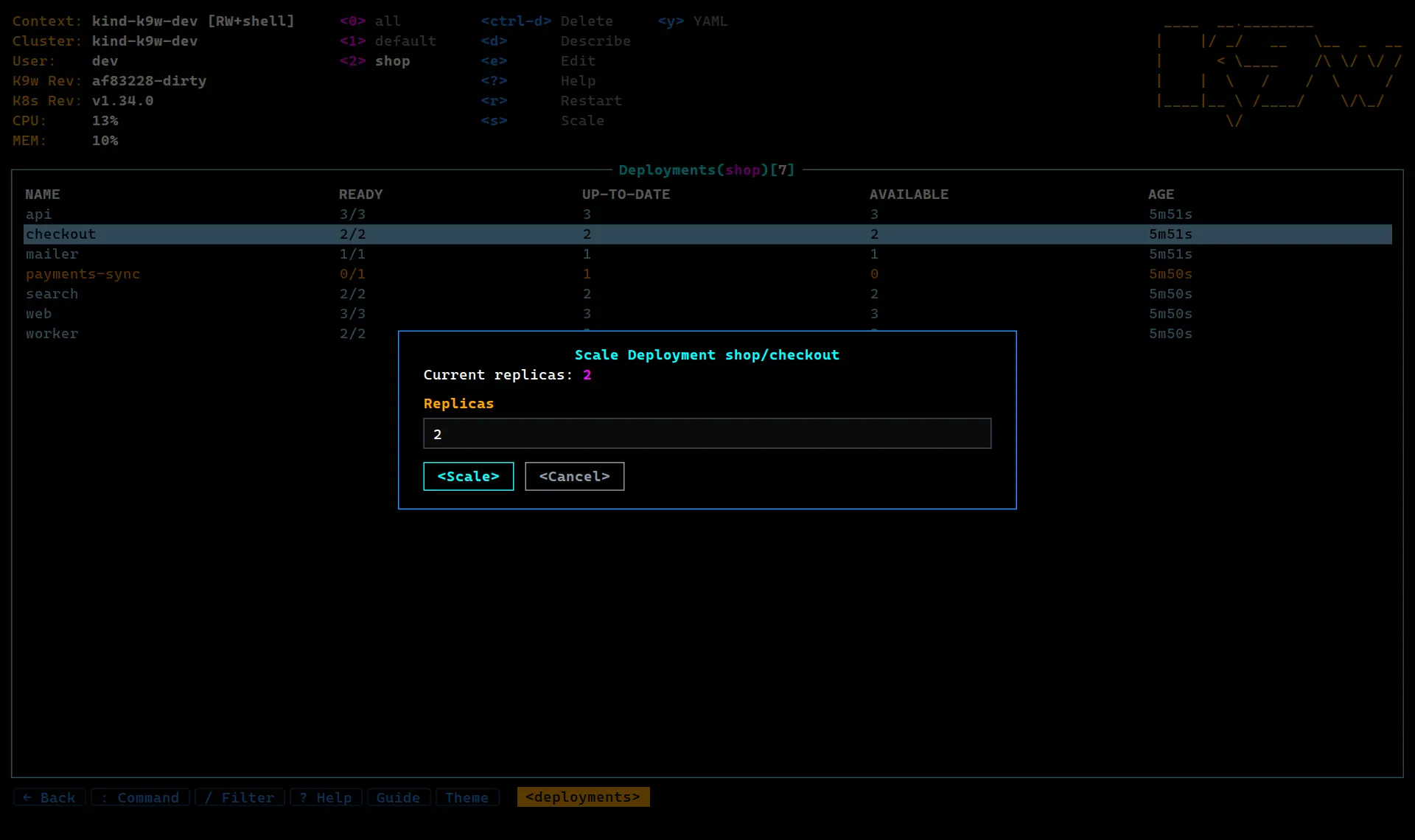
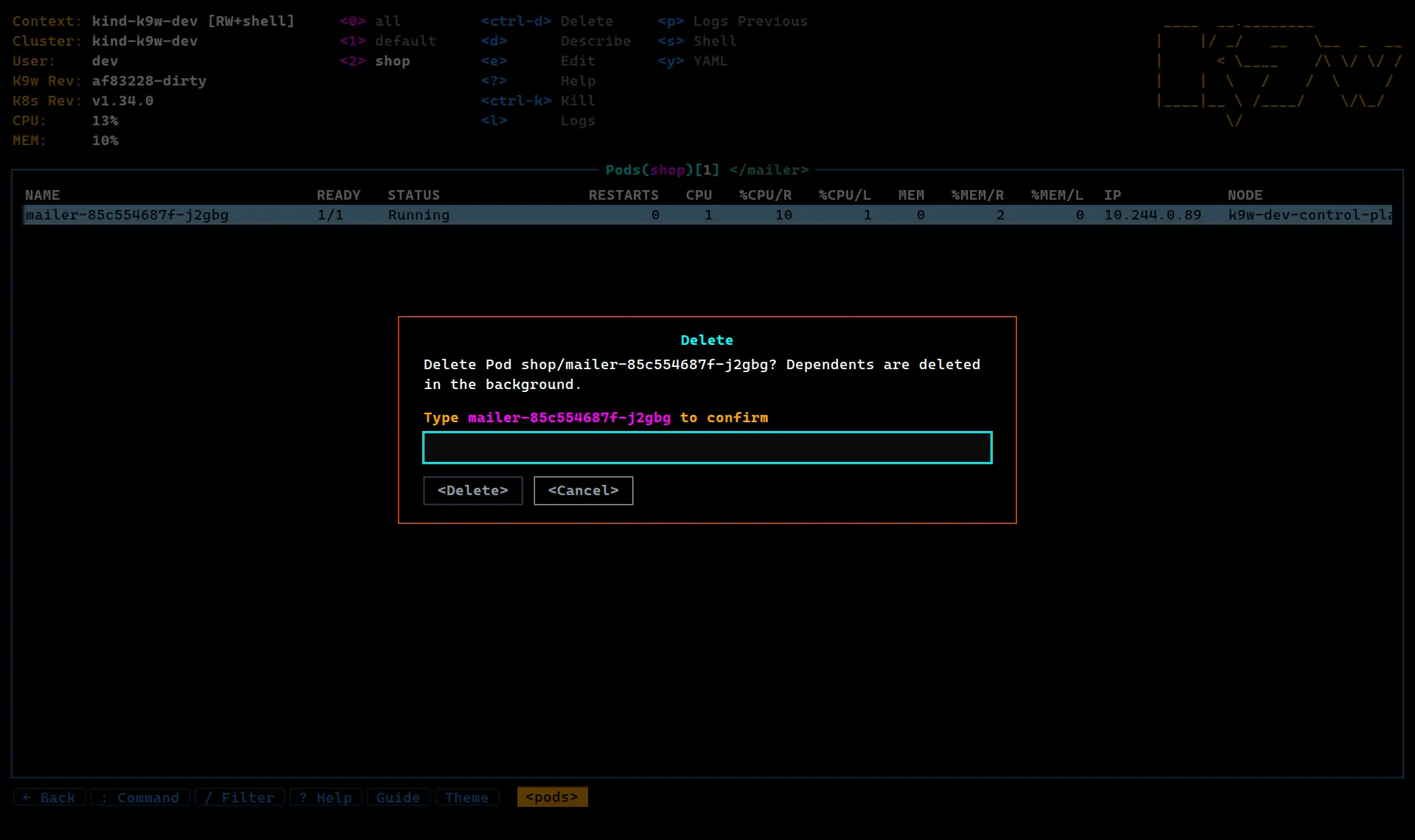
Deleting asks you to type the object's name, and the button stays disabled until it matches. Outside dev mode every write also needs a recent TOTP code.
Ctrl-dCtrl-k
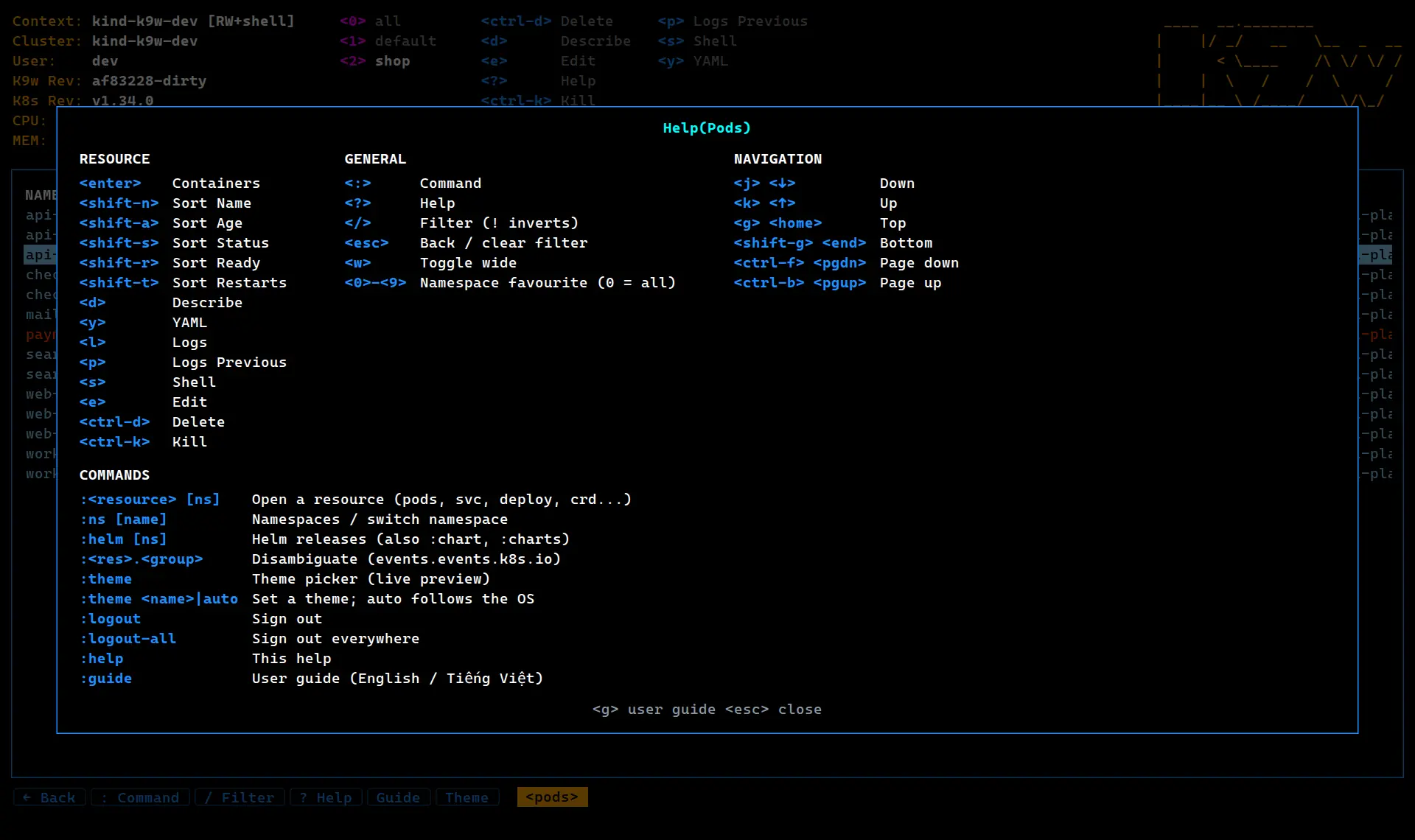
Press ? anywhere. The overlay is generated from the same key table the app runs on, so it always matches what you are looking at.
?Esc
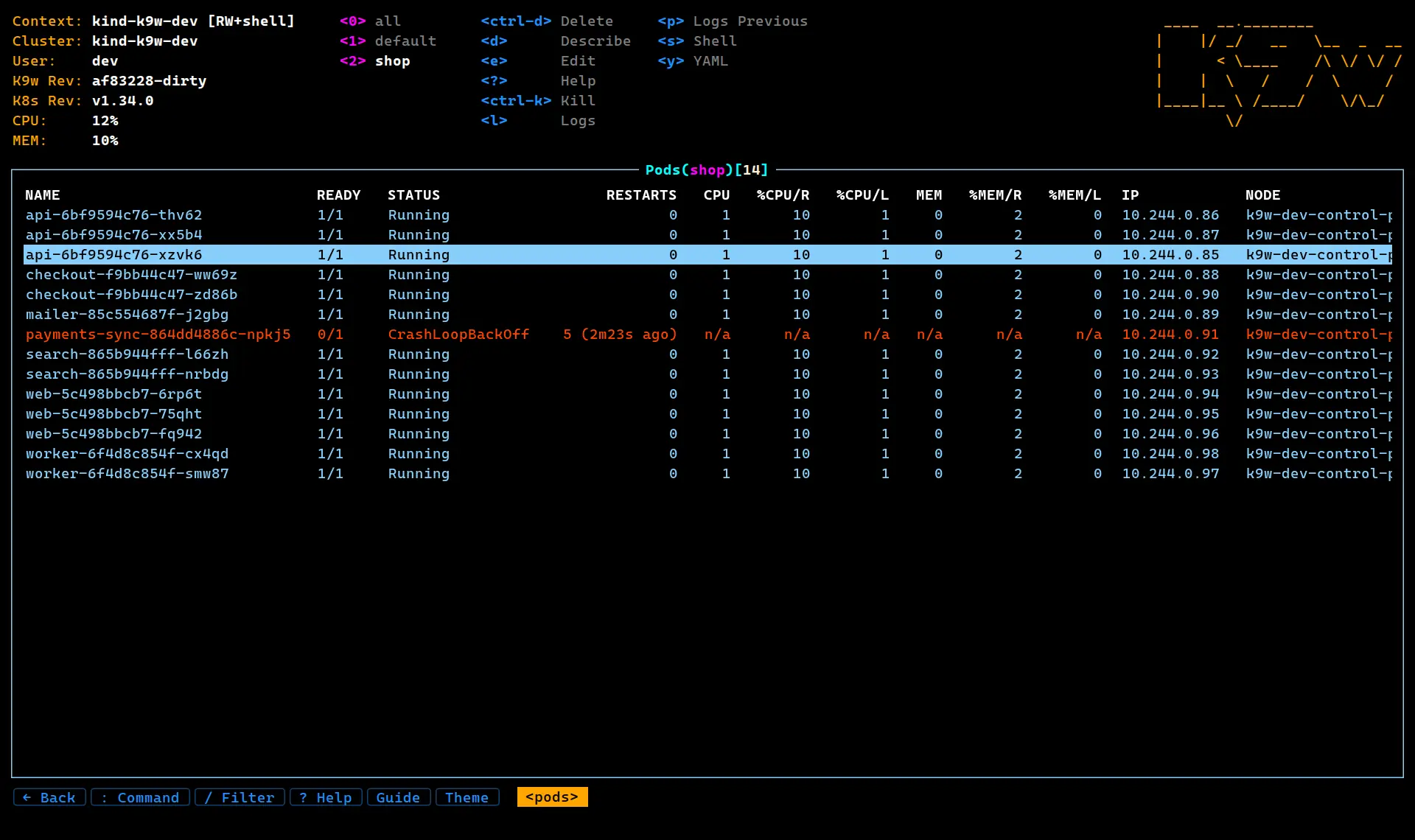
k9w asks the API server what exists and renders the same columns kubectl would. New custom resources show up without a plugin.
The keys you already know from k9s, in a page you can link to.
CPU and memory against requests and limits, updated over a watch. Needs metrics-server.
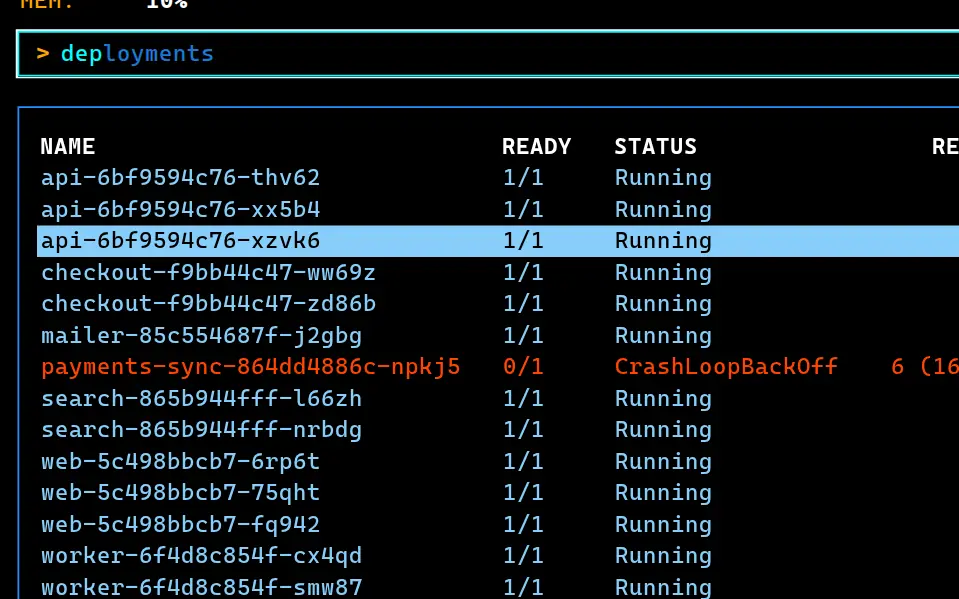
:po, :deploy, :ns kube-system. Number keys jump between recent namespaces.
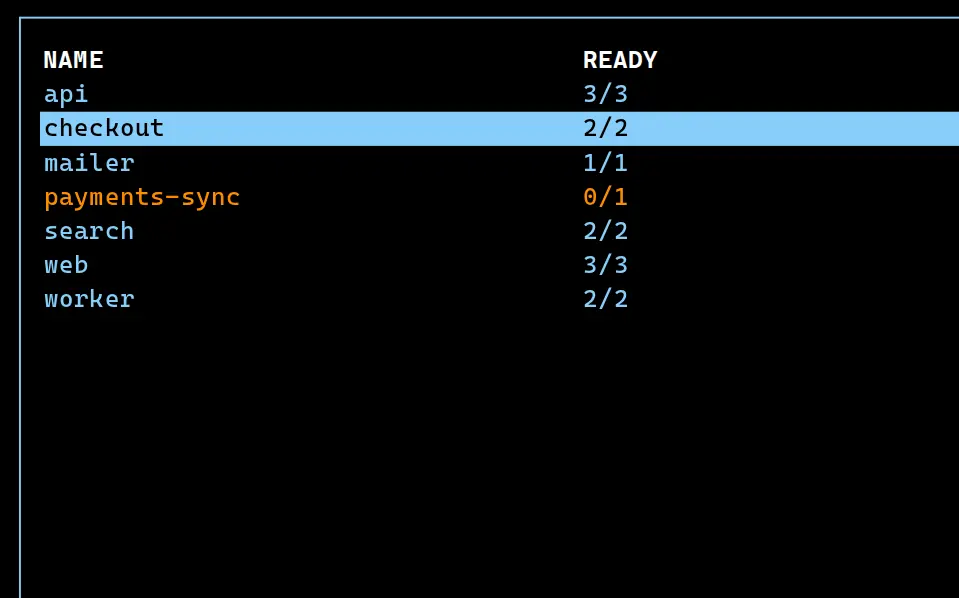
Enter goes from deployment to pods to containers to logs. Esc returns to the row you left.
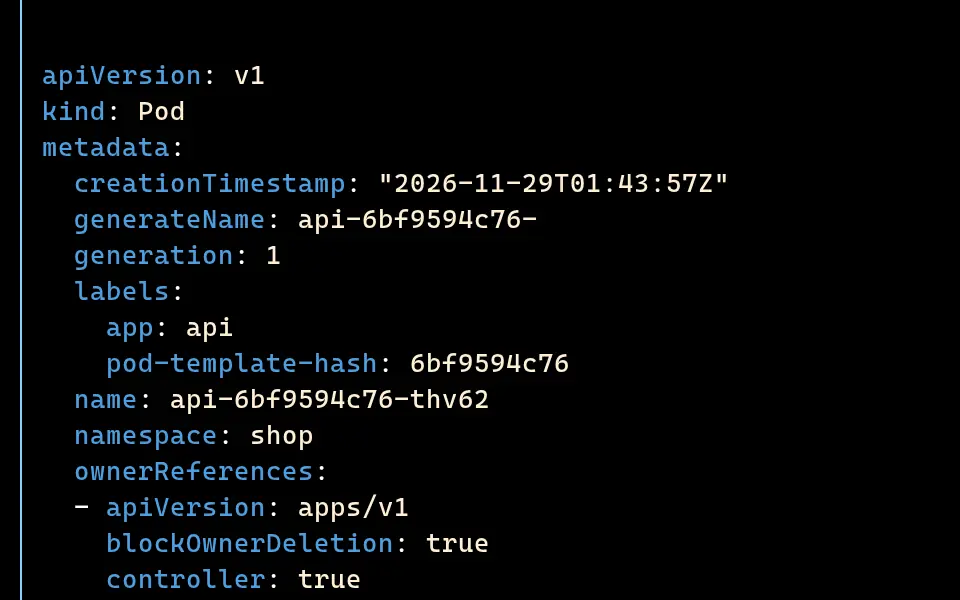
Edit YAML in the browser. Field conflicts are listed and never forced without your confirmation.
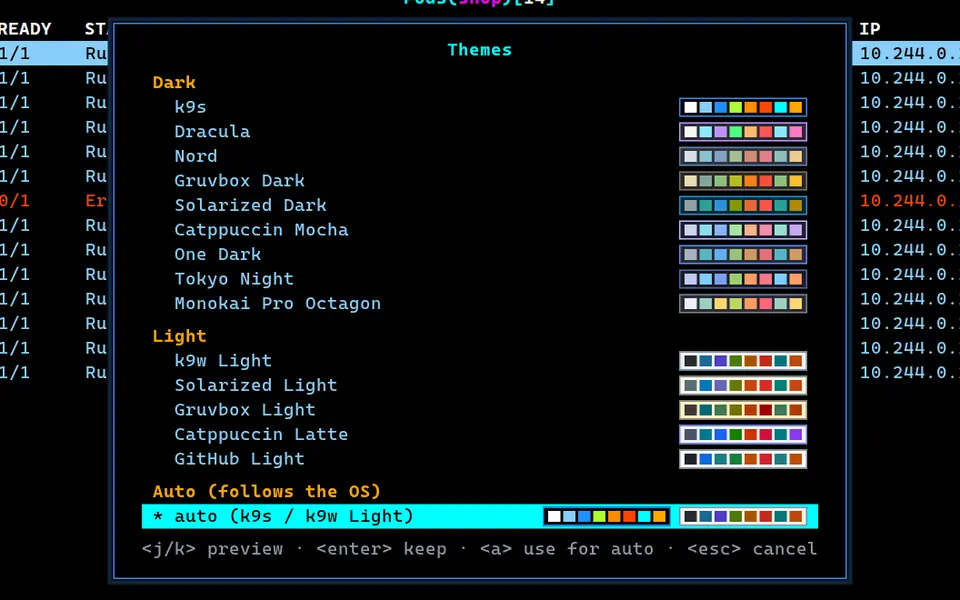
k9s, Dracula, Nord, Gruvbox and more, previewed before you keep one. Follows your OS until you choose.
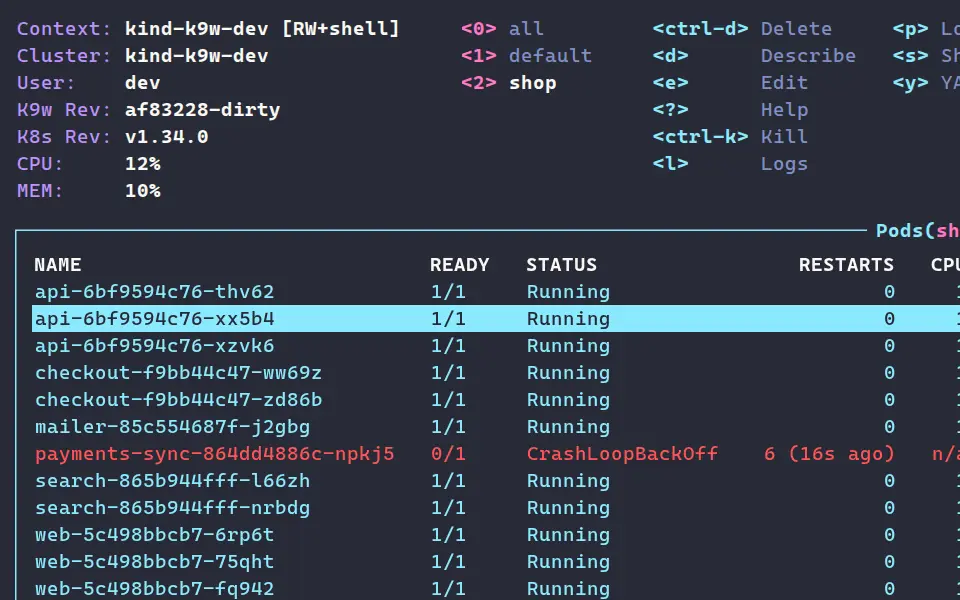
Each view has an address, so you can send a teammate straight to the namespace or object.
k9w can read Secrets and open shells, so risky capabilities are off until an operator turns them on. Kubernetes RBAC stays the only authorization layer: each user's requests are impersonated.
| Capability | Out of the box | How to change it |
|---|---|---|
| Browse, describe, logs | On | Limited by each user's RBAC |
| Edit, delete, scale, restart | Off | --read-only=false |
| Shell into containers | Off | --feature-exec |
| Secret values | Masked | --feature-secret-reveal |
| Two-factor login (TOTP) | Required | --require-2fa (dev mode has no login) |
| Fresh TOTP code for writes and shells | Required | Always, outside dev mode |
| Audit log | On | Written to standard output |
| CDN assets and telemetry | None | Not available |
Not yet independently reviewed. Read the threat model and known limits before exposing it.
In your cluster behind your own TLS, or on your laptop to try it. There is no tagged release yet, so cluster installs use the edge image built from the main branch.
# Go 1.27.4+, Node 22+, a working kubeconfig
git clone https://github.com/QuanBlue/k9w
cd k9w
make build
./bin/k9w serve --dev-kubeconfig
# open http://127.0.0.1:8080
No login, loopback only. It acts with your own kubeconfig identity.
git clone https://github.com/QuanBlue/k9w
cd k9w
helm install k9w deploy/helm/k9w -n k9w --create-namespace \
  --set externalURL=https://k9w.example.com \
  --set image.tag=edge

# create the first user
kubectl -n k9w exec -it deploy/k9w -- \
  k9w user add alice --group k9w:admin
Needs Kubernetes 1.29+ and an Ingress or Gateway that terminates TLS. See the deploy guide.
git clone https://github.com/QuanBlue/k9w
cd k9w

# edit the lines marked CHANGE, and set the image tag to edge
kubectl apply -k deploy/kustomize/overlays/gateway-api
Overlays are included for read-only, Gateway API and ingress-nginx setups.
make build
mkdir -p ~/.config/k9w
./bin/k9w user add alice --group k9w:admin \
  --users-file ~/.config/k9w/users.json
./bin/k9w serve --kubeconfig ~/.kube/config \
  --users-file ~/.config/k9w/users.json \
  --external-url http://localhost:8080
Real login with TOTP and impersonation, for development and testing. See local mode.
k9s for the web: a web UI for Kubernetes that follows k9s conventions. It is a Go backend with a SolidJS frontend embedded in one static binary.
No. k9w is an independent project inspired by the k9s workflow. It is not affiliated with or endorsed by k9s.
Not yet claimed. In-cluster installs are tested on kind behind Envoy Gateway; it has not been run on a production cluster or independently reviewed, and there is no tagged release.
Kubernetes RBAC. Each request is sent to the API server impersonating the logged-in user as k9w:<name> with their groups. k9w adds no authorization layer of its own.
No. In a cluster, accounts and keys live in two Kubernetes Secrets. Local mode uses a file.
No. One k9w process serves one cluster.
A few, where browsers reserve shortcuts: w toggles wide columns and Ctrl-Shift-X closes a shell. The key reference lists them all.
Open source under Apache-2.0. Try it against a cluster you already have.